Websites
Mobile App Development Cost in India: A Practical Guide for Businesses
An app can be a simple booking tool or a full marketplace, and the price follows. Here is what really drives the cost, and how to spend your first budget wisely.

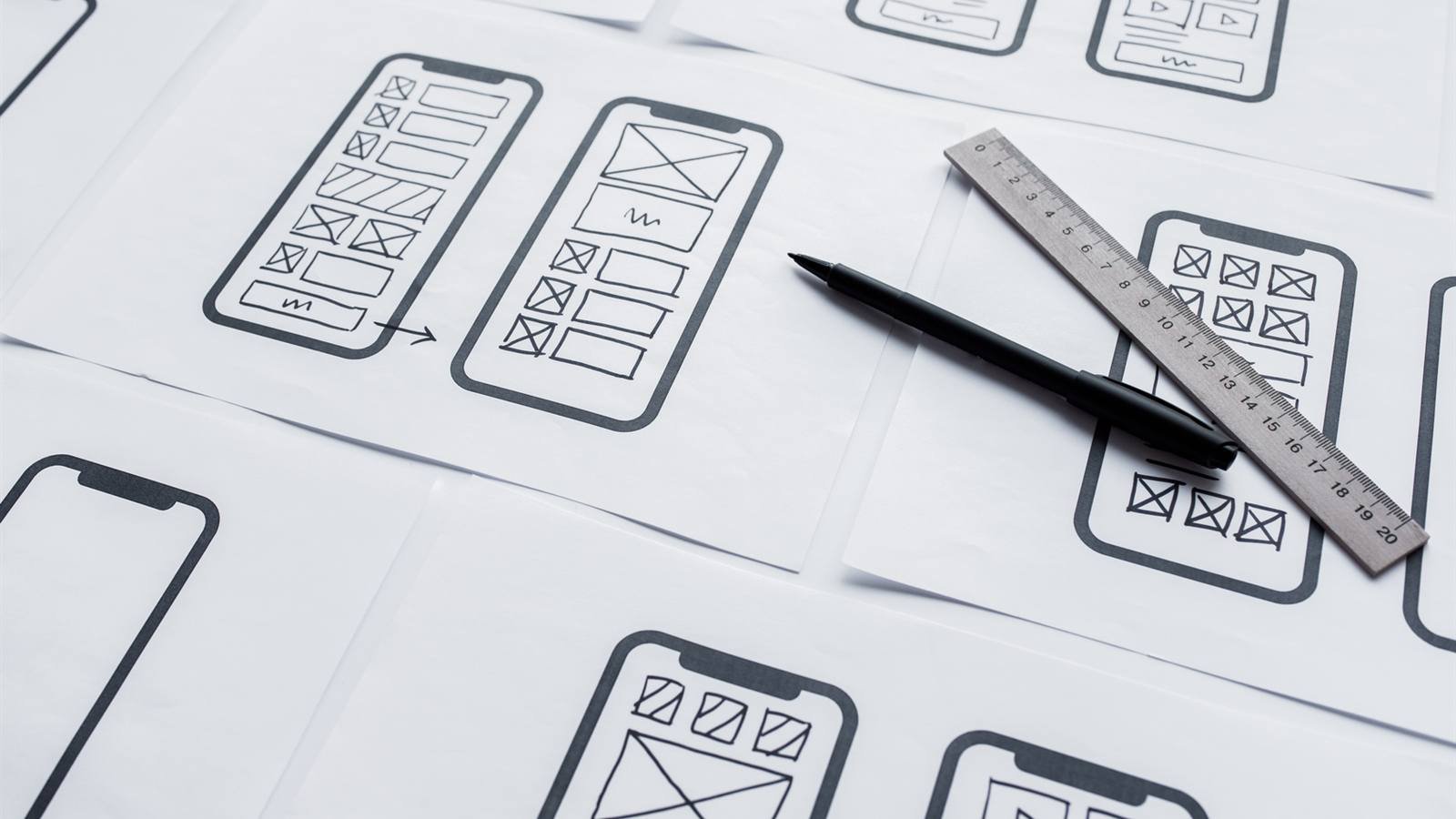
An app can be a simple appointment tool for a clinic or a full marketplace with buyers, sellers and delivery tracking, and the price follows that difference. That is why quotes for mobile app development cost in India vary so widely, even for ideas that sound similar. This guide explains what really drives the cost, how to choose between native and cross-platform, what you keep paying for after launch, and how to plan a first version that does not waste your budget.
1. Why app quotes vary so much
Most of the cost of an app is the time it takes to design, build and test it, and that time depends on scope. Two quotes are only comparable when they cover the same screens, the same platforms, the same backend and the same amount of testing. A low quote often leaves out the admin panel, the server side or support after launch.
2. What decides mobile app development cost in India
- Features and screens: every screen, user type and workflow adds design, development and testing time. Logins, profiles, search, chat and order tracking each count.
- Platforms: Android only, iOS only, or both.
- Native or cross-platform: separate apps in Kotlin and Swift, or one shared codebase in Flutter or React Native.
- Backend and admin panel: most business apps need a server, a database and a dashboard for your team to manage orders, users and content.
- Integrations: payment gateways such as Razorpay, maps, push notifications, SMS or OTP login, and links to your CRM or billing software.
- Design: a polished, custom interface tested with real users takes more time than adapting a standard layout.
- Testing: checking the app across phones, Android versions and network conditions is essential, and it takes time.
3. Native or cross-platform?
For most business apps, cross-platform frameworks such as Flutter or React Native are faster to build and easier to maintain, because one codebase runs on both Android and iOS. Native apps built in Kotlin and Swift make sense when you need the best possible performance or deep access to device features, such as heavy camera work or complex animations. The right choice depends on what your app does, not on which sounds more impressive.
4. Start with a focused first version
The most reliable way to control cost is to launch a minimum viable product: the smallest version of the app that solves the main problem for real users. It lets you test the idea, gather feedback and add features based on what people actually use. With our team, a focused MVP typically takes about eight weeks. Features such as loyalty programmes, advanced analytics or extra user roles can follow in later phases.
5. Costs after launch
The build is only part of the cost. Plan for these as well:
- Store accounts: Apple charges US$99 a year for its developer programme, and Google Play charges a one time US$25 registration fee.
- Servers and storage: hosting for your backend and database, which grows with the number of users.
- Maintenance: updates for new Android and iOS versions, bug fixes, security patches and crash monitoring.
- Third party services: SMS and OTP messages, map usage, email delivery and payment gateway fees on each transaction.
- Marketing: a strong store listing, ads and content to get downloads, because an app nobody finds does not pay for itself.
6. Questions to ask before you hire a developer
- Who will own the source code and the store accounts?
- Are the backend, admin panel and APIs included in the quote?
- Will I see clickable designs before development starts?
- Which devices and Android versions will you test on?
- Do you handle the App Store and Google Play submission?
- What support is included after launch, and what does it cost after that?
- How are payments linked to milestones?
7. Red flags to watch for
- A fixed price given before anyone has understood your features.
- No designs or prototype before coding starts.
- The developer keeps the source code or publishes under their own account.
- A ready made template app sold as fully custom.
- No mention of testing, security or support after launch.
8. How we quote apps at B'Skale
Every estimate of mobile app development cost in India should start from your actual features, so we begin with a free discovery call and then send a clear, itemised quote with a milestone timeline. We design and prototype first, build with the approach that suits your app, test across devices, handle the store launch and support you afterwards. We can also build the website and admin panel, so everything works together; our guide to website development cost in India covers that side. See our app development services in Bangalore or get in touch to talk through your idea.
Frequently asked questions
How much does it cost to make an app in India?
It depends mostly on the features, the platforms and the backend you need, so a focused first version costs far less than a full product. Ask for an itemised quote that lists every screen and integration, so you can see where the money goes.
Is it cheaper to build for Android first?
Starting with one platform reduces the first build, and Android is where many Indian customers are. A cross-platform app built with Flutter or React Native can also cover both Android and iOS from one codebase, which is often the better value.
How long does it take to build a mobile app?
A focused first version, often called an MVP, typically takes about eight weeks with our team. Larger apps with many features and integrations take longer, so ask for a timeline broken into milestones.
What does it cost to run an app every year?
Expect store accounts, servers, maintenance and any paid services the app uses. Apple charges US$99 a year for its developer programme, Google Play charges a one time US$25 registration fee, and the rest depends on how many people use the app.
Do I still need a website if I have an app?
In most cases, yes. People usually search on Google before they download anything, so a website helps them find and trust you, and it gives you a place to send them to the app store.